


OK and NOK in Production: Which Errors Cost You the Most?
NOK status often starts as a small note in a report. One nonconforming part, a few minutes of rework, another inspection. Only after you add it all up do you see how much quality errors cost.
OK and NOK should be more than simple result labels. When recorded well, these statuses show which errors cost your production the most, where they happen, and how quickly your team responds.
What do OK and NOK mean?
OK means that a product, semi-finished product, measurement, operation, or test meets the requirements. The result is within the standard, tolerance, or quality criteria.
NOK means nonconformance. It may be a product defect, a parameter deviation, an incorrectly performed operation, or a failed test.
| Status | Meaning | Decision |
|---|---|---|
| OK | Meets requirements | The product or operation can move forward |
| NOK | Does not meet requirements | A response or quality decision is needed |
Example: a part must have a diameter from 19.95 mm to 20.05 mm. A result of 20.01 mm is OK. A result of 20.12 mm is NOK.
What is OK/NOK, and what is it used for?
OK/NOK is a simple way to assess a result: conforming or nonconforming. It is used wherever you need to quickly decide whether a product, operation, measurement, or test can move forward.
OK/NOK labels are used for:
- quality control,
- marking test results,
- recording defects and deviations,
- stopping a defective unit,
- analyzing quality costs.
For the operator, it is a quick message. For the shift leader, quality team, and management, it is data showing where production loses time, material, and money.

Why are OK and NOK counts alone not enough?
A report shows 300 NOK units in a month, but that is not enough to make a good decision.
You need to know whether NOK meant only scanning a label again, or disassembly, rework, testing, batch blocking, and customer complaint risk.
The NOK count tells you how many nonconformances occurred. It does not show which errors cost the most.
How can you check which errors cost you the most?
The most frequent defect is not always the most expensive one. A less frequent error may cost more if it requires long rework or delays shipment. Look at the example below:
| Error type | Monthly NOK count | Cost per unit | Monthly cost |
|---|---|---|---|
| Missing component | 420 | PLN 6 | PLN 2,520 |
| Surface scratch | 180 | PLN 12 | PLN 2,160 |
| Failed leak test | 95 | PLN 45 | PLN 4,275 |
| Unreadable code | 260 | PLN 5 | PLN 1,300 |
The missing component occurs most often, but the failed leak test costs the most. That changes the order of actions.
When analyzing OK/NOK, count:
- rework cost,
- scrap cost,
- extra inspection time,
- shipment effect,
- customer complaint risk.
Where are OK/NOK labels used?
OK and NOK statuses appear not only during final inspection. You can use them in:
- incoming inspection,
- in-process inspection,
- functional tests,
- changeovers,
- workstation audits,
- process control,
- customer complaints.
Example: an operator checks the label, gasket, and leak test result. Each point can receive an OK or NOK status.
Simple OK/NOK vs. full nonconformance records
Clicking NOK alone is not enough if you want to know where you are losing money. You need context: defect type, station, batch, time, quality decision, and handling cost.
| Record type | What you will see |
|---|---|
| OK/NOK only | Number of conforming and nonconforming units |
| OK/NOK with defect type | Most frequent problems |
| OK/NOK with cost | Most expensive errors |
| OK/NOK with process data | Place and time when the problem appeared |
| OK/NOK with decision | What happened to the product next |
What does an OK/NOK inspection look like in production?
A company produces 10,000 units per day. If 1.5% receive NOK status, that means 150 units need a decision.
If each unit requires 3 minutes of extra work, the company loses 450 minutes per day, or 7.5 hours. Over 20 working days, that gives 3,000 NOK units per month.
With a handling cost of PLN 8 per unit, that equals PLN 24,000 per month. Without data on causes, you can see the cost, but you do not know where to reduce it.
What data should you collect with OK and NOK statuses?
For NOK, record:
- time of occurrence,
- workstation,
- operator,
- batch number,
- product index,
- defect type,
- number of units,
- cause,
- quality decision,
- photo or attachment,
- what happened to the product next.
For cost analysis, add handling time, labor-hour cost, material cost, scrap cost, and effect on shipment date.
OK and NOK: how can you turn NOK status into a business decision?
A NOK status tells you that something did not meet the requirements. A business decision appears only when you connect it with cost, time, and cause.
Example: if defect A occurs 400 times per month and costs PLN 5 per unit, it creates PLN 2,000 in cost. If defect B occurs only 80 times but costs PLN 60 per unit, it creates PLN 4,800 in cost.
That is why defect B should move higher on the action list. OK and NOK help you control quality and choose the problems that weigh most heavily on production results.
See how to make NOK cost you less.
NOK statuses may seem harmless at first, but they can create high long-term costs. Talk to us, and we will help you reduce them and make production quality more predictable.
What can you lose when OK and NOK are recorded manually or inconsistently?
The most common losses are delayed response, inconsistent defect names, harder audits, and decisions based on partial data.
Example: a line produces 600 units per hour. A response after 40 minutes may mean 400 units to inspect. A response after 10 minutes limits the risk to about 100 units.
The difference is 300 units. At a handling cost of PLN 5 per unit, one delay may cost PLN 1,500.
How can you manage OK and NOK digitally?
Digital OK/NOK recording organizes data where it is created: at the workstation, machine, test, or quality inspection point.
A good process should include:
- clear OK and NOK criteria,
- a defect list,
- connection with batch and work order,
- responses and notifications,
- quality and cost reports.
Then the report shows the number of defects, the most expensive defect types, response time, nonconformance cost, and batches with the highest share of deviations.
OK and NOK and product traceability
In case of a customer complaint, you need to quickly check which batch the product came from, who performed the operation, what the inspection results were, and whether NOK appeared earlier.
Without consistent data, finding answers can take hours. Digital records shorten the path to a specific batch, workstation, defect type, or time range.
How can we help you check which errors cost the most?
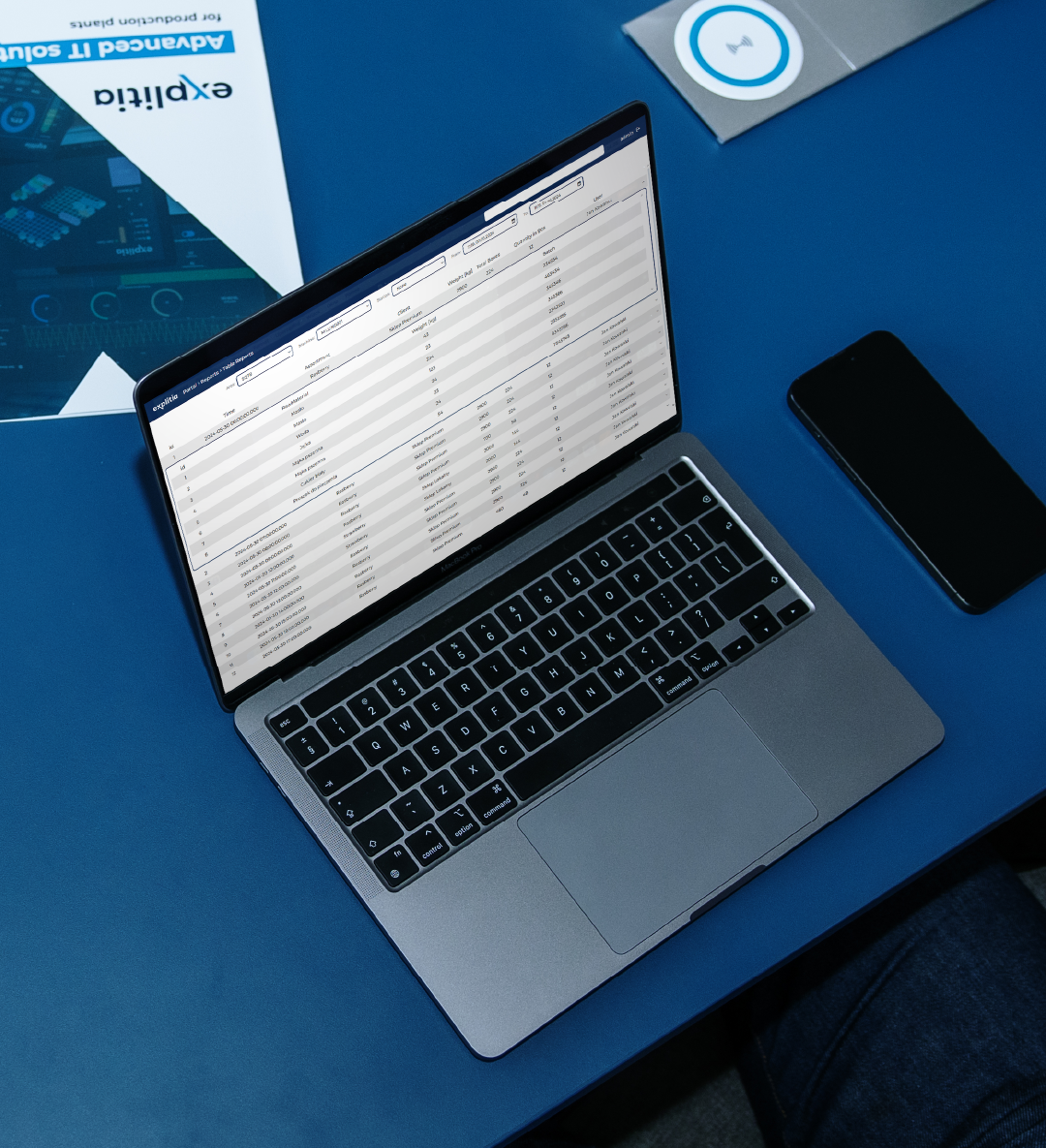
In the explitia MES system, for example as part of the Production Portal, OK/NOK statuses can be recorded directly in production and connected with the work order, batch, workstation, and defect type. Data goes into one place, so it does not have to be copied later from paper, spreadsheets, or messages.
The operator can mark the inspection result, add the defect type, number of units, photo, comment, and quality decision. The shift leader, quality department, and production managers see the same information without waiting for manual reports.
MES then shows how many NOK units there were, which errors take the most time, generate the highest costs, and most often require a quality decision.
How can you implement OK/NOK so the data is useful?
Start with a simple plan:
- Define inspection points.
- Describe OK and NOK criteria.
- Set up a defect list.
- Record data at the source.
- Add cost data.
- Connect NOK with a response.
- Analyze losses, not only defect counts.
OK and NOK help you see where quality costs the most
OK and NOK statuses are simple, but their value depends on the data behind the label. A defect counter shows the scale of the problem. Data on defect type, handling time, quality decision, and cost shows which errors truly weigh down production.
If you want to check how much quality information is currently lost in paper, spreadsheets, and shift-to-shift conversations, look at your OK/NOK records. explitia helps move this data closer to production and makes it easier to see which errors cost you the most.

FAQ: OK and NOK in production
What does OK mean in production?
OK means that a product, operation, measurement, or test meets the requirements.
What does NOK mean?
NOK means nonconformance, deviation, or a result that requires a response.
What is OK/NOK, and what is it used for?
OK NOK is a way to label results as conforming or nonconforming. It is used for quality control, deviation records, and production problem analysis.
Does NOK status always mean scrap?
No. NOK means that a decision is needed. The product may go to rework, re-inspection, scrap, batch block, or conditional release.
How can you check which NOK costs the most?
You need to connect the number of nonconformances with handling cost, rework time, scrap cost, re-inspection, and customer complaint risk.
Stop NOK before it starts costing you too much.
Want to learn more about production? Read the explitia blog.