



Tailor the system interface to the user with explitia Platform.Presentation
The system user layer where you work with data, processes, and system functions in a clear way
Here, the Production Platform becomes part of everyday work.
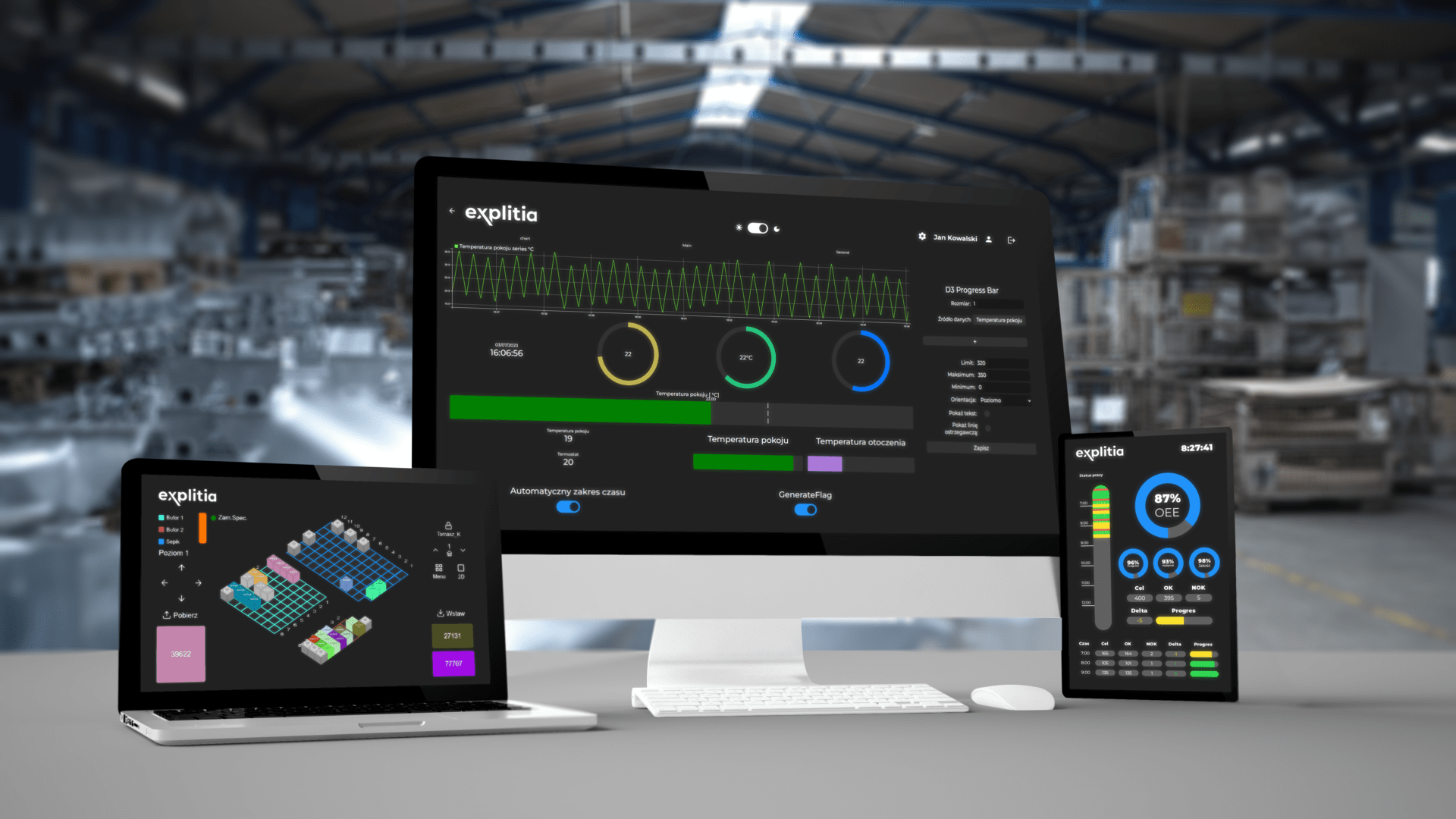
explitia.Platform.Presentation is the system user layer that turns system data and logic into a usable environment for operators, team leaders, managers, and support teams. It brings together operator panels, portal workspaces, and reports in one consistent structure.
Instead of delivering only the technical backbone, the platform gives your team a complete system user layer designed for real use across daily operations.
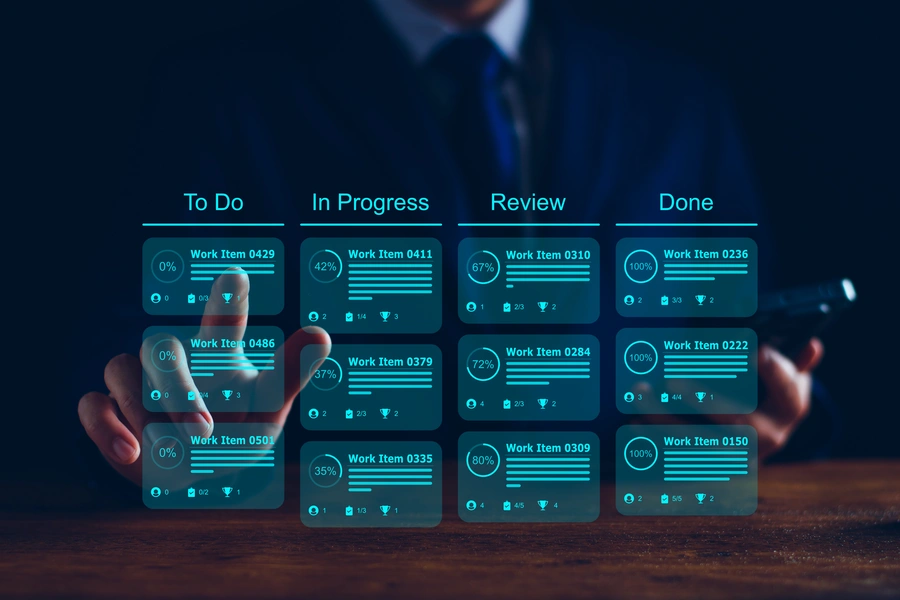
Explore explitia.Platform.Presentation with an expert!
Book a conversation and see how the Presentation layer works through real examples.
What you gain from implementing the system user layer?
If you are looking for a solution that organizes the way system data and functions are presented, explitia.Platform.Presentation provides a clear working environment for operators, team leaders, managers, and support teams.
You gain:
 Clear screens and views for specific user roles
 Browser-based access to data
 Operator, portal, and reporting views in one environment
 Fast access to the information needed for daily work
 Layouts tailored to specific users and processes
 One consistent way of working instead of scattered screens and disconnected reports
explitia.Platform.Presentation is the layer that shows data, functions, and processes in a form users can quickly understand and turns the technical backbone of the system into a practical environment for daily work.

The role of explitia.Platform.Presentation
Presentation shows data in a form users can understand quickly and use with confidence. It organizes access to information, supports work on the shop floor, across operational areas, and at the management level, while connecting different views into one coherent experience.
A well-designed system user layer often determines whether a solution is adopted naturally or used only because it has been introduced. Data, functions, and processes become visible, structured, and ready to support actual work.
Business benefits of implementing the Presentation layer
explitia.Platform.Presentation improves more than user comfort. It also supports faster execution and better decision-making.
Key benefits include:
| Greater clarity of data |
| More convenient daily work for users |
| Faster access to information |
| Better operational and management decisions |
| One consistent way of working instead of separate screens and reports |
| Stronger user adoption across the organization |
Additional value comes from a presentation layer that shows information in a form that is easy to read and use, shortening the path from data to action.
What are the components of Presentation?

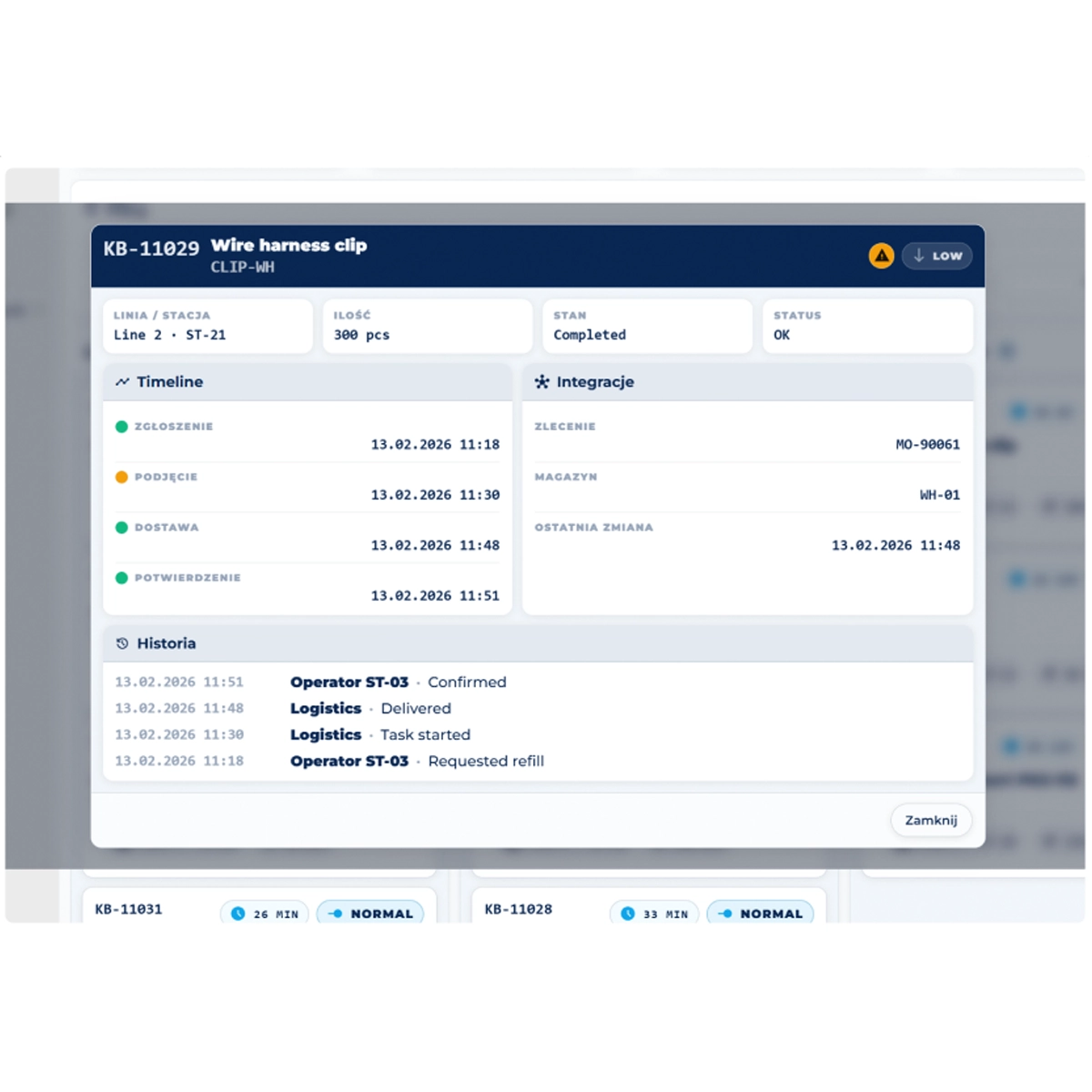
Portal – one workspace with fast access to what matters
Portal is the central workspace for users in a web environment. It gives teams one point of access to information, functions, and work areas tailored to roles, departments, and processes.
What you get:
- one place for information and functions
- structured views for different teams and roles
- the ability to create pages, panels, and workspaces tailored to your organization
- one shared entry point to the system
Portal brings order to everyday work and supports combining data from machines, systems, and operational sources in one place.
Rather than switching between separate tools, teams work in one connected environment that supports daily tasks and grows with the organization.
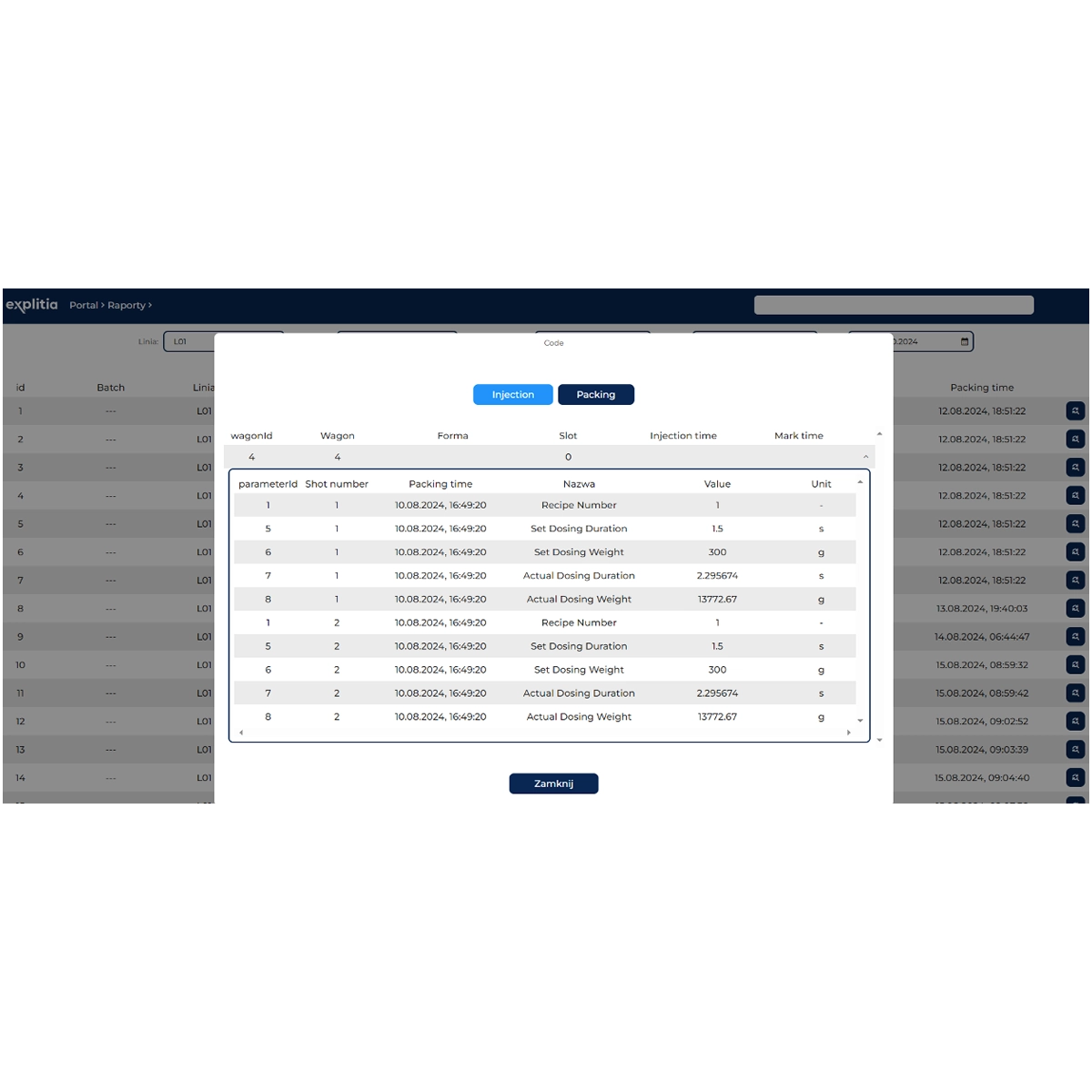
Reports – a clear view of results, trends and what needs attention
Reports are responsible for the clear presentation of results, KPIs, and trends. They help your teams analyze processes, monitor performance, and make better decisions with a stronger context.
What you get:
- clear production reports
- access to current and historical data
- visibility into KPIs and trends
- support for leaders, managers, and support teams
- the ability to move from summary to detail
Reports make it possible to start with the big picture and then drill down into machines, workstations, shifts, production orders, batches, or events. Process flow, quality, execution, and deviations become easier to assess.
The visualization of production data creates real value here by supporting stronger control and faster response.
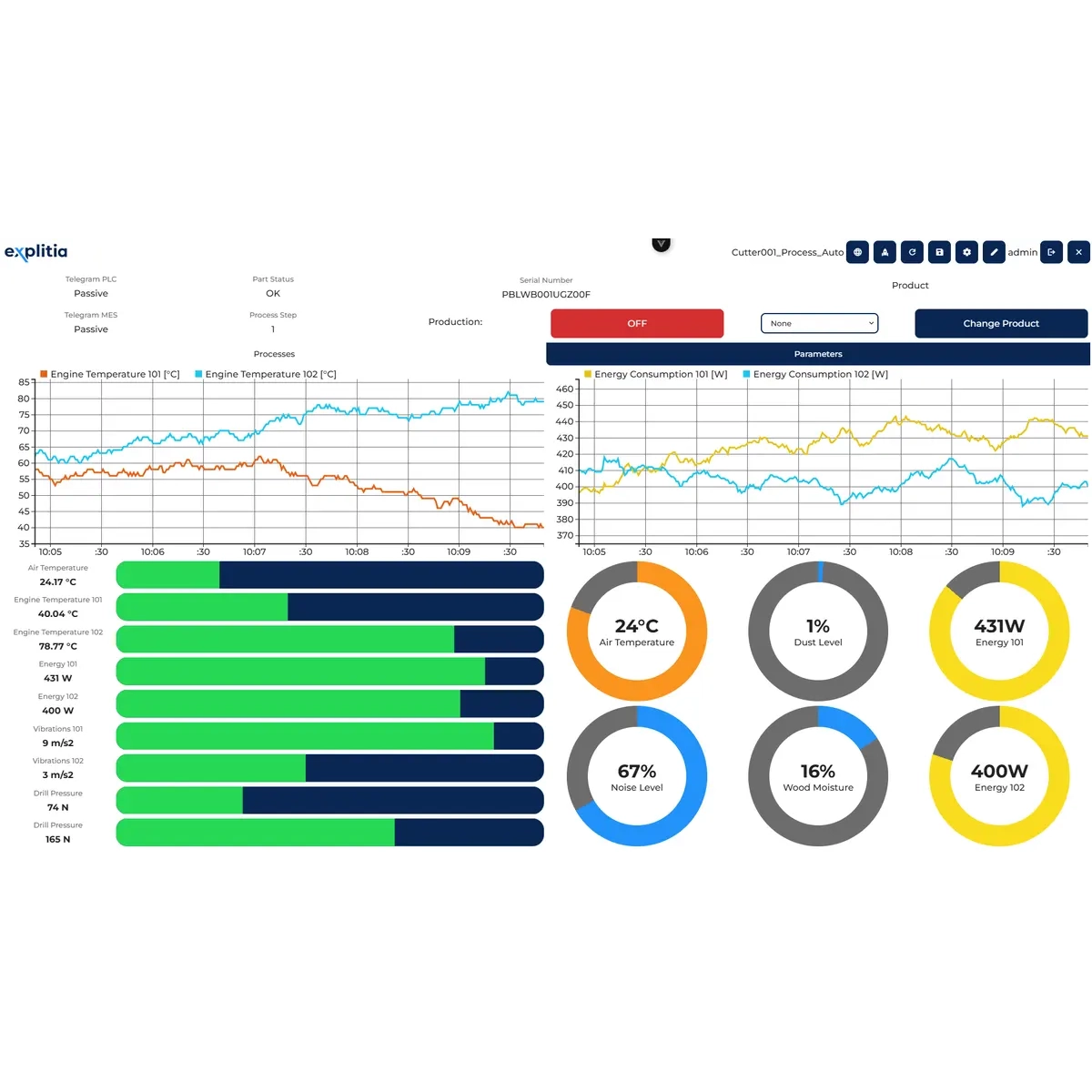
webHMI – a clear operator interface built close to the process
webHMI is the layer of web-based operator panels and process visualization. It stays close to the workstation and supports operational work directly in the browser.
What you get:
- screens for operators and workstations
- process visualization
- forms, indicators, and controls
- access to operational functions through the browser
- layouts adjusted to a specific process or workstation
Speed of reading and ease of use matter on the shop floor.
webHMI gives users exactly what they need: a clear view of the current situation, the ability to take action, and fast access to real-time data.
How explitia.Platform.Presentation works?
Engine prepares the data and logic
Presentation makes them available to users
Operators work through webHMI
Business and administrative users work in the Portal
Management and support teams use Reports
Such a structure allows every group to work on the same foundation in a format matched to its role.

Contact us to talk about the elements of explitia.Platform.Presentation!
Book a consultation and learn how each part of the Presentation layer works and how the solution can support your production plant.
How Presentation supports your sales process?
explitia.Platform.Presentation supports sales wherever fast access to reliable information matters. It connects production, quality, and execution data with the daily work of sales teams, coordinators, and customer service areas.
Users can check order status, production progress, and the context needed for customer conversations more efficiently. Instead of searching across multiple places, teams work with structured views, reports, and browser-based screens.
Benefits for your sales process:
- faster access to the information needed in customer communication
- greater confidence in conversations about deadlines, progress, and execution quality
- easier preparation of data for sales and customer service teams
- smoother communication between sales, production, and support functions
- better service quality based on current, reliable data
Presentation strengthens internal workflows and customer relationships at the same time. Faster response, stronger team credibility, and smoother post-sale communication become easier to achieve.
How Presentation connects with other areas of the Production Platform?
The Presentation layer does not operate separately from the rest of the solution.
It connects with:


Presentation is part of a broader solution, but it is also the area users interact with directly. Platform capabilities turn into practical daily work here.
Explore explitia.Platform as a whole
Check each part of the solution:
- Explore the system backbone: explitia.Platform.Engine
- See the full platform: explitia.Platform
- Check the implementation tools: explitia.Tools
Create an easy-to-navigate and friendly system user layer for your production plant.