

AVEVA InTouch HMI: better visibility on the shop floor
AVEVA InTouch HMI is HMI/SCADA software that shows operators the real-time status of machines, lines, and plant systems. It helps teams see alarms, downtime, process deviations, and production status faster. The system was formerly known as Wonderware InTouch and is now part of the AVEVA portfolio.
A well-implemented InTouch application is not just another screen on the shop floor. It is the place where operators see what needs attention, maintenance teams find the cause of an issue faster, and production gets data for better analysis.
This article is for you if you:
- have an older Wonderware InTouch application and are deciding what to do next,
- want to clean up your process visualization,
- are planning HMI/SCADA integration with MES, Historian, or ERP,
- want operators to react faster to alarms and downtime.
In short: AVEVA InTouch HMI helps you build HMI/SCADA screens for operators. It works best where teams need fast access to process status, alarms, trends, and machine data. For larger implementations, it is worth reviewing it together with AVEVA System Platform, Historian, or MES.
Wonderware InTouch vs. AVEVA InTouch HMI
Wonderware InTouch is the former name of the solution now developed as AVEVA InTouch HMI. For manufacturing plants, this matters when modernizing older applications, migrating SCADA systems, or planning integration with other AVEVA solutions.
Older Wonderware applications can be reviewed for continued maintenance, upgrades, or rebuilds. It is a good moment to assess not only the screens, but also tag structure, alarms, PLC communication, and how operators use the system during a shift.
AVEVA InTouch HMI: what does it mean for your business?
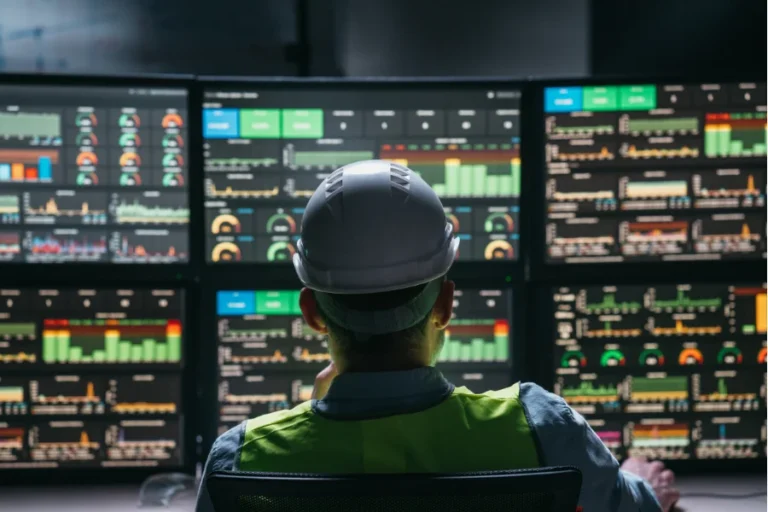
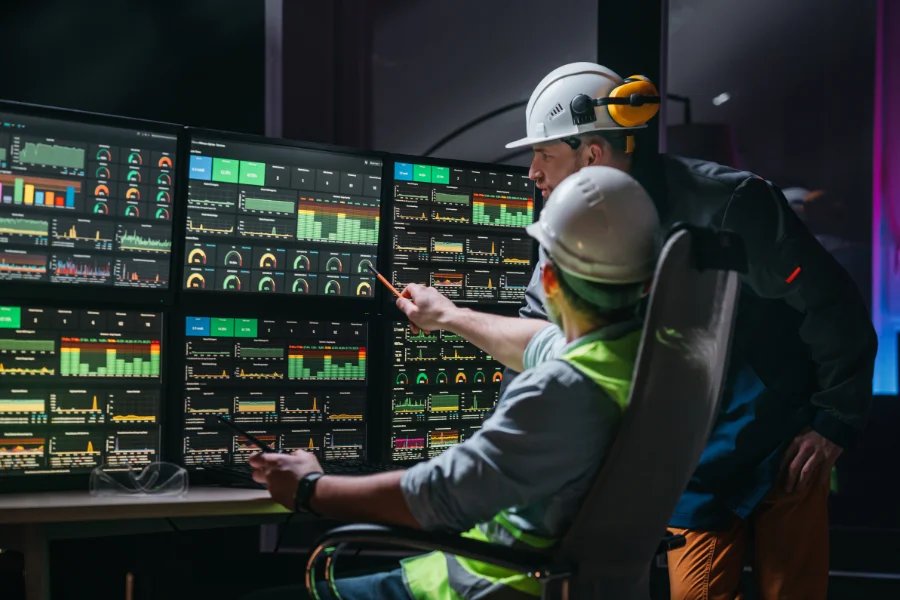
AVEVA InTouch HMI organizes the way operators see production and respond to events. Instead of switching between panels, controllers, and separate applications, operators can see the most important information in one place.
InTouch screens can show:
- machine status,
- alarms,
- trends,
- process parameters,
- production counters,
- event history,
- work order or batch status.
For you, that means less guesswork. Your team can see where the issue started, what changed in the process, and which event needs attention first.
InTouch software: what can it do?
InTouch software is used to build operator HMI screens and SCADA visualization applications. It can display data from PLCs, sensors, machines, utility systems, and industrial databases.
It is most often used for:
AVEVA InTouch HMI is available in licensing options based on factors such as tag count. Options with unlimited tags and clients are also available, which matters for larger applications and long-term system growth.
See where AVEVA InTouch HMI can work best in your plant.
Die Einführung neuer Technologien sollte immer eine Antwort auf eine konkrete Herausforderung im Werk sein. Erzählen Sie uns, womit Sie sich beschäftigen, und wir prüfen, ob diese Lösung für Sie sinnvoll ist.
HMI, SCADA, InTouch, and System Platform: what is the difference?
| Term | What it means | When it matters |
|---|---|---|
| HMI | Operator interface for a machine or line | local process operation |
| SCADA | Supervisory control and data acquisition system | monitoring multiple areas |
| AVEVA InTouch HMI | Software for HMI/SCADA screens | when you need process visualization |
| AVEVA System Platform | Layer for larger SCADA architectures | when you have many lines, assets, or sites |
| AVEVA Historian | Process data historian | when you need to analyze production history |
For one line, a simple HMI application may be enough. For several areas, many operators, and MES integration, it is better to review the wider architecture from the start.
AVEVA InTouch HMI examples
Packaging line
A conveyor section stops. The operator does not have to search across several panels. On the InTouch screen, they can see which sensor reported the fault, where the product stopped, and whether the issue is related to a machine, conveyor, or end-of-line device.
Result: faster downtime diagnosis and less time spent looking for the source of the issue.
Plant utilities
InTouch can show compressed air, process water, cooling, steam, energy, and utility system parameters.
Result: better control over utility consumption and faster detection of deviations.
Modernizing an older Wonderware InTouch application
A plant has an application built years ago. The screens still work, but they are hard to maintain and documentation is incomplete. In this case, it is worth reviewing the application structure, tag count, PLC communication, alarms, trends, and operator needs.
Result: lower risk during changes, clearer screens, and easier system development.
Process manufacturing
In continuous and batch processes, InTouch can show temperatures, pressures, levels, flows, recipe steps, and parameter deviations.
Result: operators can see faster whether the process is running as expected.
When does AVEVA InTouch HMI make the most sense?
Consider AVEVA InTouch HMI when:
- your current HMI is outdated,
- operators have too many screens,
- PLC data is scattered,
- alarms are hard to interpret,
- the plant wants to standardize visualization,
- production needs data for reporting,
- MES, Historian, or ERP integration is planned.
The best HMI screens do not show everything. They show what helps the operator make the right decision at the right time.
When may InTouch alone not be enough?
InTouch alone may not be enough when you need more than operator screens and want a broader production data architecture.
This applies when:
- multiple lines need to follow one standard,
- data should feed management reports,
- the plant wants to calculate OEE,
- traceability is needed,
- the system has to cover several sites.
If the goal is clear process visualization, InTouch may be enough. If you want to analyze OEE, downtime, quality, traceability, and work order execution, you need a broader production information system.
AVEVA InTouch HMI, Historian, and MES
InTouch shows the current state of the process. AVEVA Historian stores process data, alarms, and events, so teams can analyze machine and system history.
MES connects production data with work orders, performance, quality, downtime, traceability, and reporting. That is why InTouch is often the first step toward broader production digitalization, but not always the last one.
This is a natural place to consider connecting AVEVA with production and business systems, for example with explitia MES. It is a strong direction when shop floor data should support not only operators, but also maintenance, quality, planning, and management teams.
Common AVEVA InTouch HMI implementation mistakes
Too much information on one screen
Operators should quickly see what is running, what is stopped, what needs action, and where the alarm source is. Overloaded screens slow down decisions.
No visualization standard
If every line looks different, training takes longer and mistakes become more likely. A shared screen standard helps operators and maintenance teams work faster.
Alarms without priorities
Not every alarm has the same weight. A good system separates a warning from an event that needs immediate action.
No integration plan
If data should later go to MES, Historian, ERP, or reports, plan it before implementation. Adding integrations later is usually harder.
Most common mistake: starting an InTouch implementation by drawing screens. It is better to start with one question: what decision should the operator make based on this screen?
How to prepare for an AVEVA InTouch HMI implementation
Before the project, check:
- who will use the screens,
- what decisions operators should make based on data,
- which alarms matter most,
- what data should be stored historically,
- whether MES, ERP, or reporting integration is planned,
- whether the application will cover one line, one plant, or several sites.
A good implementation starts with the process, not with drawing screens.
What should your next step be?
If you are considering AVEVA InTouch HMI, start by reviewing your current environment: how operators see the process, where they lose time, which alarms happen most often, and what data should move further.
A short HMI/SCADA audit is a good first step. It helps review applications, tags, alarms, integrations, and real operator needs before deciding whether to modernize screens or build a broader architecture with MES and reporting.
FAQ: AVEVA InTouch HMI
Is Wonderware InTouch the same as AVEVA InTouch HMI?
Yes. Wonderware InTouch now functions as AVEVA InTouch HMI.
Is AVEVA InTouch HMI a SCADA system?
Yes, AVEVA InTouch HMI is HMI/SCADA software. It can be used to build operator screens for machines, lines, and processes.
What is InTouch software used for?
It is used for process visualization, alarm handling, trends, PLC data, operator screens, and integration with other industrial systems.
Can AVEVA InTouch HMI integrate with MES?
Yes. It can be part of an architecture where production data feeds MES, reporting, quality, OEE, and traceability.
Let’s talk about implementing AVEVA InTouch in your plant.
Read the latest manufacturing insights on the explitia blog.