

HMI vs SCADA: What’s the Difference and When Should You Choose Each One?
If you confuse HMI with SCADA, you may buy a system that looks good on a screen but does not solve your production problems. HMI is an interface for running a machine or one section of a line. SCADA is used for supervision, data collection, alarms, and process control at a wider scale.
A fair HMI vs SCADA comparison starts with one question: do you need to run one machine, or do you need to monitor an entire process?
HMI vs SCADA: the short answer
HMI helps an operator run a machine. SCADA helps a team monitor a process, analyze data, and respond to problems faster.
HMI, or Human Machine Interface, is a screen or application that lets a person communicate with a machine, device, or part of a process.
SCADA, or Supervisory Control and Data Acquisition, is a system for collecting data, processing it, and supporting operational supervision. NIST defines SCADA as a computerized system that can collect and process data and apply operational controls over long distances.
The simple split:
- HMI stays close to the operator and the machine.
- SCADA stays close to the process, data, and decisions.
These systems often work together. HMI can be part of SCADA because operators still need screens for visibility, control, and response.
What is HMI?
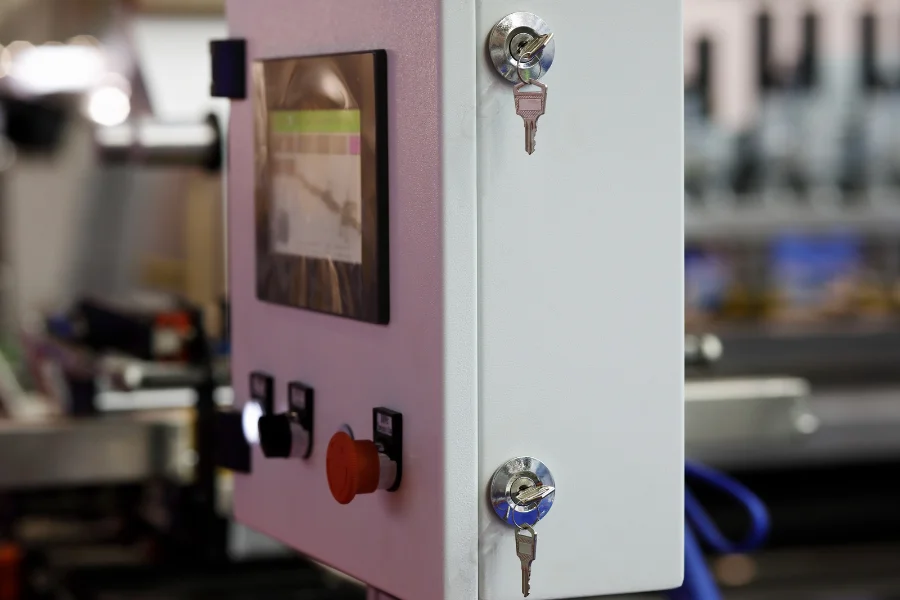
HMI is the point of contact between a person and a machine. Most often, it is an operator panel next to a device, a touch screen on a line, a workstation computer, or a visualization app.
Operators use HMI to:
- check machine status,
- start or stop a device,
- change a setpoint,
- acknowledge an alarm,
- select a recipe,
- view a simple trend,
- follow an operating procedure.
Example: on a mixer, an HMI panel shows temperature, setpoint, agitator speed, run status, alarms, and the active recipe. That scope is enough when the goal is convenient operation of one machine.
A good HMI screen does not show everything at once. It shows what helps the operator assess the situation and make a decision quickly. The ISA-101 standard covers Human Machine Interfaces for process automation systems, including screen structure, alarms, movement through the system, and security.
What is SCADA?
SCADA supervises a process across a wider scope than a single machine. It collects data from PLCs, sensors, meters, HMI panels, and higher-level systems. It shows that data in one place, stores history, handles alarms, and helps teams analyze events.
SCADA can include:
- visualization of a line or production area,
- process parameter monitoring,
- alarms and events,
- historical trends,
- reports,
- recipes,
- control of selected devices,
- connection to MES, ERP, Historian, BI, or databases,
- different access levels for operators, automation engineers, maintenance, and production teams.
HMI shows what is happening at the machine. SCADA shows what is happening in the process.
Example: an HMI panel on a labeling machine may show the operator a sensor fault. SCADA can show that the same alarm appeared 14 times in one week, most often on the second shift, and each stop lasted about 6 minutes on average. That is useful information for maintenance, production, and people responsible for line performance.
HMI vs SCADA comparison
| Area | HMI | SCADA |
|---|---|---|
| Main role | Machine operation | Process supervision |
| User | Operator, technician, automation engineer | Operator, maintenance, production, shift supervisor |
| Data scope | One machine or part of a line | Many machines, lines, and systems |
| Alarms | Local | Centralized, with event history |
| Data history | Limited or none | Trends, archiving, analysis |
| Reports | Simple or none | Process, production, and alarm reports |
| Scale | Machine, workstation, part of a line | Line, department, plant, multiple locations |
| Connections | PLCs and local devices | PLCs, RTUs, MES, ERP, Historian, BI |
| Choose when | You need machine operation | You need process and data control |
HMI, SCADA, and PLC: how do they work together?
Any serious HMI vs SCADA decision also needs one more term: PLC.
A PLC controls the process. It reads signals from sensors, runs logic, and controls devices.
An HMI shows PLC data to the operator and lets the operator run the machine.
SCADA collects data from many PLCs, stores it, and shows a wider view of the process.
On a bottling line, it may look like this:
- The PLC controls the conveyor, valves, and sensors.
- The HMI shows the operator speed, device status, alarms, and recipe.
- SCADA collects data from the filler, capper, labeler, palletizer, and utilities. It shows stops, trends, alarms, piece counts, and work history.
When is HMI enough?
Choose HMI when you need a clear interface for running a machine.
HMI is a good choice when:
- the project covers one machine or a small area,
- the operator works right next to the device,
- data is needed mainly in the moment,
- historical analysis is not required,
- central supervision is not needed,
- the project scope is limited.
Example: a single packaging machine. The operator changes the format, sees status, acknowledges alarms, and adjusts setpoints. In this case, a well-designed HMI is often enough.
When do you need SCADA?
Choose SCADA when you need process supervision, not only machine operation.
In HMI vs SCADA planning, SCADA is usually the right direction when:
Example: several machines run on one line. Each one has its own panel, but the team cannot quickly see which machine is blocking flow. HMI screens alone may not be enough. SCADA can show where the problem started, how long the stop lasted, which alarm came before it, and whether the same event is repeating.
SCADA also matters in processes where parameters affect quality, such as food, chemical, pharmaceutical, or energy production. Temperature, pressure, flow, alarm, and setpoint history help verify the conditions for a given batch.
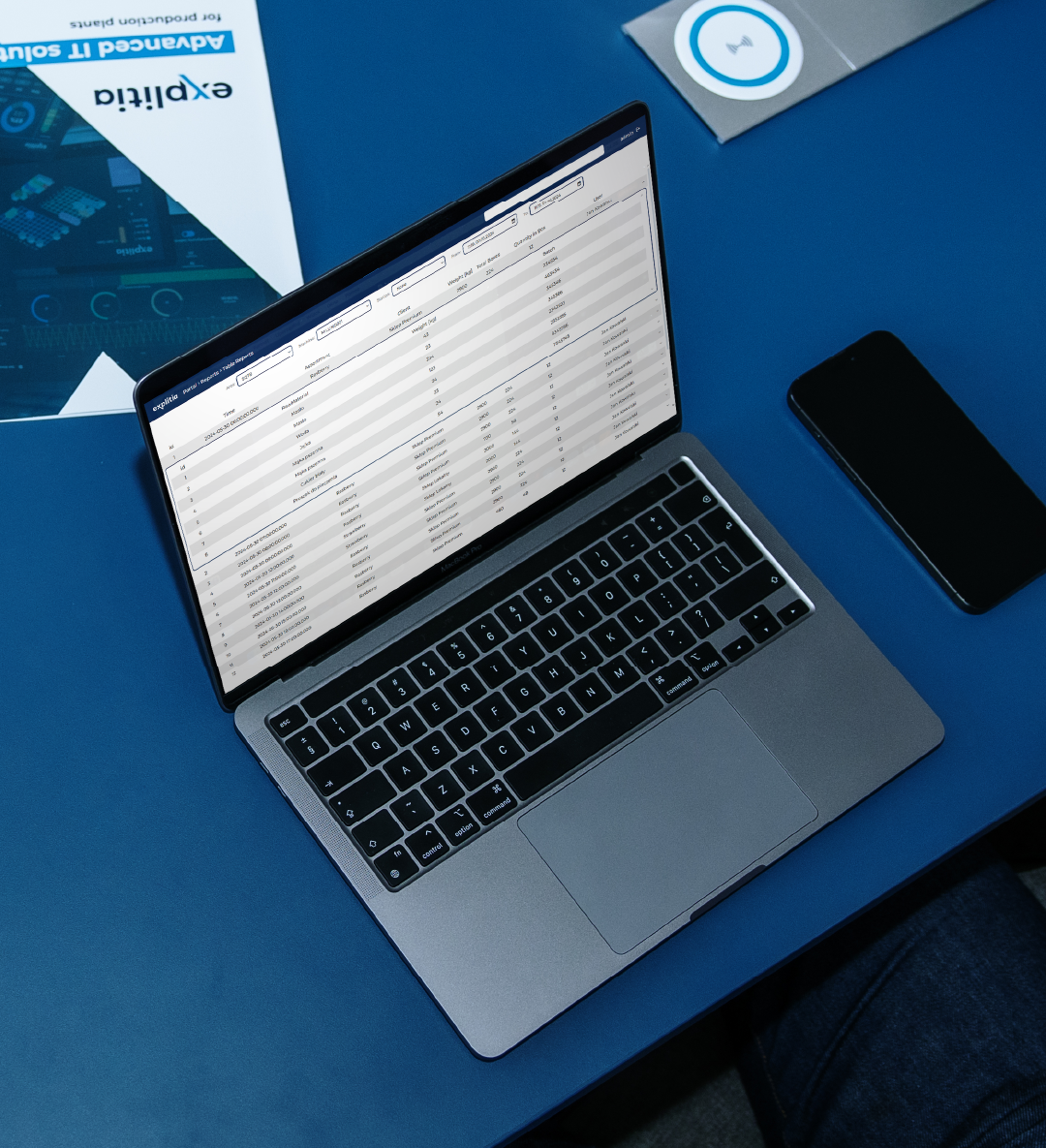
HMI vs SCADA: Let’s talk about what will work best for your plant.
Deciding whether your plant needs HMI, SCADA, or both may not be easy. Talk to experts who can check how each system can support your day-to-day work.
Does SCADA replace HMI?
Usually, no. SCADA and HMI typically work together. HMI stays at the machine because the operator needs quick contact with the device. SCADA gives a wider view and uses data from many points.
A common HMI vs SCADA mistake is treating the two systems as direct substitutes. A better architecture often looks like this:
- HMI runs at the machine,
- PLC handles control,
- SCADA collects data from many points,
- production and maintenance see history, alarms, trends, and reports,
- selected data goes to MES, ERP, or BI.
Common mistakes when choosing a system
1. Choosing the system by screen design
A nice visualization is not enough if it shows the wrong data. Start with this question: what decision should the user make based on this view?
2. One screen for everyone
An operator, automation engineer, shift supervisor, and process engineer do not need the same set of information.
3. Too many alarms
Not every message should be an alarm. Fewer alarms are better when each one points to a real response.
4. No data history
A live view alone will not answer what happened an hour, a day, or a week earlier.
5. SCADA with no connection plan
Check from the start whether data will be needed in MES, ERP, quality reports, BI, or maintenance systems.
How to decide: HMI vs SCADA
Start with five questions.
1. How many machines or processes do you want to see?
One machine usually points to HMI. Many machines, a line, or a plant point to SCADA.
2. Who will use the system?
An operator at the machine needs HMI. Maintenance, production, and people who analyze data usually need a wider scope.
3. Do you need history?
Alarm, trend, and parameter history move the decision toward SCADA.
4. Does data need to go to other systems?
If shop floor data needs to feed MES, ERP, reports, or analytics, SCADA may be the right direction.
5. Is the problem operation or process visibility?
If the problem is machine operation, start with HMI. If the problem is lack of a full production view, consider SCADA.
In simple HMI vs SCADA terms: HMI helps at the machine. SCADA helps across the process.
Study the process first, then choose the system
Do not start with a license or vendor. Start with a short process map.
Write down:
- which machines need to be visible,
- what data operators, maintenance, and production need,
- which alarms require a response,
- what data history should be stored,
- which data should go to other systems,
- who will use reports.
If that review shows the problem is not the panel at the machine, but the lack of a full process view, see how explitia implements SCADA systems in manufacturing. The product page explains how SCADA supports machine visibility, alarms, stops, events, process data, and connections with other areas of the company.
HMI gives you control at the machine. SCADA gives you control over the process. When you know which level you need, the right HMI vs SCADA choice becomes easier.

FAQ: HMI vs SCADA
What is the difference between HMI and SCADA?
HMI is an operator interface used to run a machine or part of a process. SCADA is a system for supervision, data collection, alarming, visualization, and process control at a larger scale.
Is HMI part of SCADA?
It can be. In many architectures, HMI works as an element of a SCADA system because operators still need screens for visibility and operation.
When is HMI alone enough?
HMI alone is usually enough for a single machine or a simple area where the operator needs local control and the company does not require data history, reports, or central supervision.
When is SCADA needed?
SCADA is needed when you want to see the process more broadly: many machines, lines, alarms, trends, event history, reports, and data for other systems.
What is the best HMI vs SCADA choice for a production line?
The right HMI vs SCADA choice depends on the scope. If the line only needs local machine operation, HMI may be enough. If you need line-wide visibility, alarm history, downtime analysis, reports, and data links to other systems, SCADA is usually the better option.
Let’s talk about the systems in your company.