

MES Implementation: 7 Steps from Plant Audit to Launch
A good MES implementation starts with deciding which data actually helps you manage production. Only then should you move to ERP integration, machine connectivity, reports, and the next modules.
This guide will help you check where to start, what not to skip, and how to avoid a project that works technically but does not change daily decisions on the shop floor.
MES Implementation Starts With an Audit, Not Installation
MES implementation should begin with an audit of production, data, and integrations. With that information, you can safely choose the pilot scope, plan the ERP connection, connect machines, and launch the system where it will bring the first measurable value.
This text is for you if you want to see how MES implementation works step by step. You probably already have ERP, shift reports, spreadsheets, and machine data, but you still lack one clear view of what is happening on the shop floor.
MES should shorten the path from event to decision. Downtime, lower performance, missing material, a quality deviation, or a delayed order should not be discovered only after the shift ends.
To assess what you need, you first need to clearly separate the role of MES from the role of ERP.
What Does an MES System Do?
An MES system connects the production plan with execution on the shop floor. ERP usually handles the plan, orders, materials, and settlements. MES shows what is happening during production: order status, machine work, downtime, output, defects, process parameters, and quality data.
Most often, MES helps in areas such as:
- real-time production registration,
- monitoring machines and lines,
- OEE analysis,
- production order handling,
- traceability, meaning the history of a product, batch, and parameters,
- reporting without manual data copying,
- data exchange with ERP, quality systems, CMMS, and warehouse systems.
Example: ERP sends an order for 10,000 units. MES sends it to the line, collects data from machines and workstations, shows progress, records downtime, defects, and parameters. When the order is complete, it sends information back to ERP about output, consumption, and deviations.
That sounds simple, but only when you already know where the data should come from and who will use it. That is why the first stage is not about the system. It is about your production.
MES Implementation: Project Stages
1. Process and Data Audit
The first stage is checking how production works right now: on the shop floor, at machines, with operators, team leaders, planners, and maintenance.
During the audit, you need to define:
- where production data is created,
- which information is copied manually,
- which machines can send data automatically,
- which data goes to ERP,
- where delays appear,
- which reports are needed every day,
- which indicators affect decisions.
A good audit ends with a list of problems and goals. Examples may include unreliable OEE, downtime reported too late, difficult order settlement, no batch history, or gaps between the ERP plan and actual execution.
After the audit, the question should not be “which MES should we buy?” It should be “which problem should we solve first?”
2. Choosing the Goal of the First Stage
An MES system should start with a goal, not a feature list. A good goal for the first stage should be specific:
- shorten shift reporting,
- measure downtime and its causes,
- see order status close to real time,
- calculate OEE without manual data collection,
- reduce manual copying between production and ERP,
- get traceability for a selected product group.
Data helps justify a project like this. In the Smart Manufacturing and Operations Survey, Deloitte reported that surveyed companies saw an average 10 to 20 percent improvement in production output, 7 to 20 percent improvement in employee productivity, and 10 to 15 percent freed production capacity after smart manufacturing initiatives.
This does not mean every MES project will bring the same effect. It does show why you should measure indicators from the start, such as reporting time, downtime, OEE, defects, plan execution, and ERP data consistency.
When the goal is clear, it is easier to decide where to start. This is where many projects either gain speed or become unclear.
3. Pilot Scope
A pilot should not be a feature demo. It should check whether MES system solves a real problem in a selected production area.
A good pilot scope includes:
- one line, cell, or process,
- a clear order flow,
- agreed data sources,
- basic reports,
- ERP integration, if it is needed from day one,
- operators and team leaders who will work with the system.
The easiest line is not always the best choice. Sometimes it is better to choose an area where production, quality, planning, or maintenance will see the effect.
Example: if the biggest problem is micro-downtime, the pilot should cover a line where the speed often drops. If the problem is batch history, it is better to start with a process that has quality and material requirements.
Choosing the line is still not enough. MES can work well only when the data has owners.
4. Data Preparation and Ownership
At this stage, you need to define who is responsible for the data. Without that, MES will only show disorder that nobody wants to fix.
You need to agree on items such as:
- production order structure,
- product and operation names,
- downtime reason dictionaries,
- machine and workstation lists,
- master data from ERP,
- rules for correcting wrong entries,
- access for operators, team leaders, planners, and maintenance.
If ERP has outdated routings, wrong times, or different names for the same indexes, MES will not fix this by itself. It will show the problem faster. That is why data preparation often decides whether MES implementation works.
When the data is described, you can move to the place where MES connects the office with the shop floor: ERP integration.
5. MES and ERP Integration
ERP integration should have a clearly described data flow direction. The ISA-95 standard organizes the boundary between business systems and production systems. In simple terms, ERP plans and settles. MES manages execution on the shop floor.
The most common data shared from ERP to MES includes:
- production orders,
- product indexes,
- BOM,
- routings,
- standards,
- deadlines,
- material information.
The most common data shared from MES to ERP includes:
- completed quantity,
- defects,
- material consumption,
- order status,
- start and end time,
- deviations from the plan.
Good integration reduces double data entry and gives consistent information to production, planning, quality, and management.
ERP organizes the plan and settlements. Data about what is really happening is created at the machines.
6. MES and Machine Integration
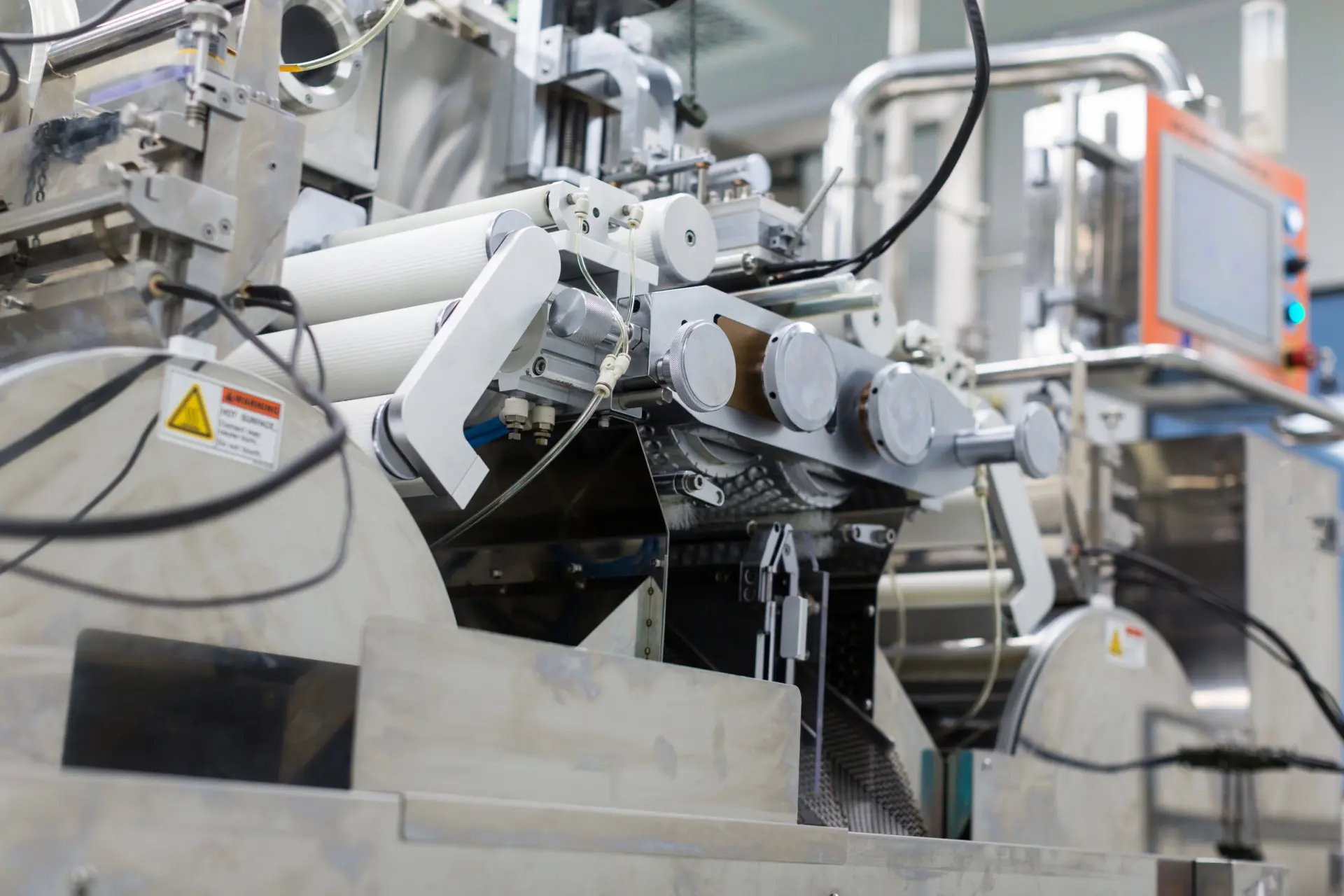
Machine integration decides the quality of data. Some information can be collected automatically from PLCs, sensors, counters, SCADA systems, or other sources. Some information may still come from the operator, such as the reason for a stop, a quality comment, or a changeover confirmation.
Not every machine has to be connected in the first stage. It is more useful to decide which data is needed for decisions.
| Machine data | What it is used for |
|---|---|
| operating status | detecting downtime |
| unit counter | tracking order progress |
| alarms | analyzing failures and maintenance response |
| process parameters | quality control and traceability |
| cycle time | analyzing speed losses |
Older machines do not rule out the project. Sometimes the first stage starts with simple signals, counters, or operator forms, while broader machine connectivity is planned for the next stage.
When data from ERP and machines starts going into MES system, one test remains: whether people on the shop floor want to use it and know how to use it.
7. Testing, Training, and Production Launch
Tests should cover the full process: the ERP order, operator work, and return reporting.
Check especially whether:
- orders go to the right workstations,
- machine data is read correctly,
- the operator sees only the information needed for the job,
- reports match production,
- exceptions have a described handling method.
Training should be short and connected to workstation tasks. The operator needs to know where to see the order, how to report downtime, how to confirm output, and what to do when the system shows an error.
After launch, do not judge MES by whether it was turned on. Judge it by whether it changed daily decisions.
Common Mistakes in MES Implementation
The most expensive mistakes usually appear before the system starts.
A First Scope That Is Too Wide
It is better to launch one line well than to spend a long time planning the whole plant without a clear result.
No Data Owner
Someone must be responsible for dictionaries, indexes, downtime reasons, and information quality.
ERP Integration Described Too Generally
Saying that MES system should connect with ERP is not enough. You need to know which data, in which direction, how often, and with which exceptions.
Too Many Screens for the Operator
The shop floor interface should help people do their work, not add another task.
No Measurements After Launch
If you do not measure the effect, it is hard to show whether the system works.
You can avoid these mistakes if, right after launch, you check whether MES gives people the data they need for work, not only for reports.

Are you ready for MES implementation? Let’s start with the first stage.
If you already know that an MES system is the right choice for you, we’ll help you from the very beginning. Let’s start with a free workshop and an audit of your plant’s opportunities.
What to Do After MES Launch
After a few weeks, check whether the system answers the questions that led to the project.
Your post-launch checklist should show whether:
- the number of manual reports has dropped,
- data from MES and ERP is consistent,
- team leaders see downtime faster,
- operators report data without workarounds,
- the OEE report shows real losses,
- the next rollout area is clear.
Only after this review does it make sense to extend MES to the next lines, areas, and modules, such as quality, maintenance, traceability, detailed scheduling, or analytics.
If you want to see what a staged start can look like, check our MES system, part of the Production Portal. It can collect data from machines, sensors, PLCs, ERP, and operator forms.
Before you choose the scope of the next stage, answer the question about timing realistically.
How Long Does MES Implementation Take?
The project timeline depends on the scope, number of lines, ERP data quality, automation status, and number of integrations. That is why it is safer to plan the project in stages.
| Stage | Goal |
| audit | check processes, data, and readiness |
| pilot | confirm value on a selected line or process |
| first rollout | cover an agreed production area |
| development | add more lines, modules, and integrations |
The best start is one after which the team sees the first data, the first decisions, and the first area to improve.
This leads to the point worth remembering before a vendor conversation.
What to Remember Before MES Implementation
MES implementation makes sense when it shortens the path from information to action. If production still waits for manual reports, ERP does not have current data, and the causes of losses appear too late, the system will not do its job.
Start with an audit. Check which data is collected manually today, which machines can be connected, what information should return to ERP, and where MES can remove daily spreadsheet work from the team. That is the most reasonable first step before discussing the project scope.
If you are ready to talk about how MES implementation can support the daily work of your plant, schedule a free workshop.
FAQ
Where Should MES Implementation Start?
Start with an audit of processes, data, machines, and integrations. The audit shows where MES can bring the most value: reporting, OEE, traceability, order settlement, downtime, or data exchange with ERP.
What Are the Main Stages of MES Implementation?
The most common stages are audit, goal selection, pilot, data preparation, ERP integration, machine integration, testing, training, and post-launch development.
Does MES Have to Be Integrated With ERP?
Not always from day one, but in most plants ERP integration becomes necessary quickly. Without it, some data still has to be copied manually.
Can MES Be Implemented With Older Machines?
Yes. The scope depends on automation, available signals, and documentation. Sometimes the first stage uses simple machine data and operator forms.
How Do You Choose the First MES Rollout Area?
Choose an area where the problem is measurable and important for the business: downtime, low OEE, manual reporting, order settlement errors, or lack of traceability.
Let’s take care of MES implementation in your production.